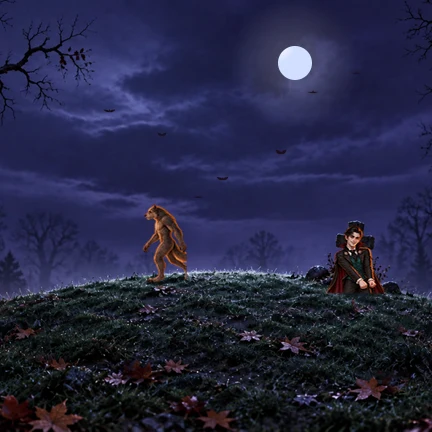
Meet Graveyard, Caldeiron, and Monster Hill: three animated scenes with day and night artwork, plus festive clocks for StandBy. Try the scenes in the interactive website preview.
Most widgets are built to surface a quick fact. Jubs uses the space for a tiny animated scene instead: a place that changes with the light and gives your screen a little character.
We’re building Jubs as a growing collection for festivities around the world. Each new collection should bring its own art and atmosphere, shaped around the celebration it belongs to.
The first collection has three scenes. Explore their artwork and widget sizes in the interactive website preview; use Get Jubs above for current download availability.
Christmas
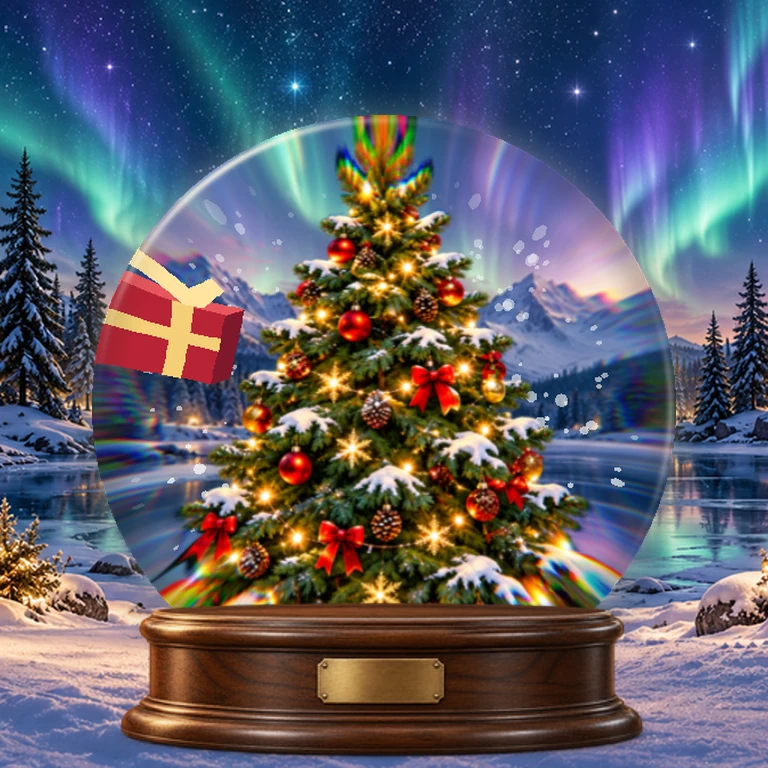
Winter artwork is in development. The preview shows the direction; the collection is not available to download yet.
More celebrations
Jubs is being built for holidays, festivals, and traditions from around the world. New collections will appear here as they take shape.
Holiday widget questions
What are holiday widgets for iPhone?
They are Home Screen or StandBy widgets with artwork and information designed around a celebration or season. Jubs focuses on animated miniature scenes made for those spaces.
Which holiday widgets are in the Jubs collection?
Halloween is the first collection, with Graveyard, Caldeiron, and Monster Hill. Explore the scenes in the interactive website preview. Christmas artwork is currently a preview and is not available to download yet.
Does Jubs make widgets for celebrations around the world?
That is the direction for the collection. Jubs is starting with Halloween and plans to grow into more holidays, festivals, and traditions over time.